Archived Budgets
An archived budget is a budget you've set aside but still want to keep around for reference. Archiving is a non-destructive way to move older or unused budgets out of your day-to-day workflow without losing any of their data — you can bring them back at any time.
When a budget is archived:
- It is removed from the budget picker dropdown in the sidebar, keeping your active budgets list focused.
- Its data is preserved exactly as it was — transactions, categories, scheduled transactions, and budget goals remain intact.
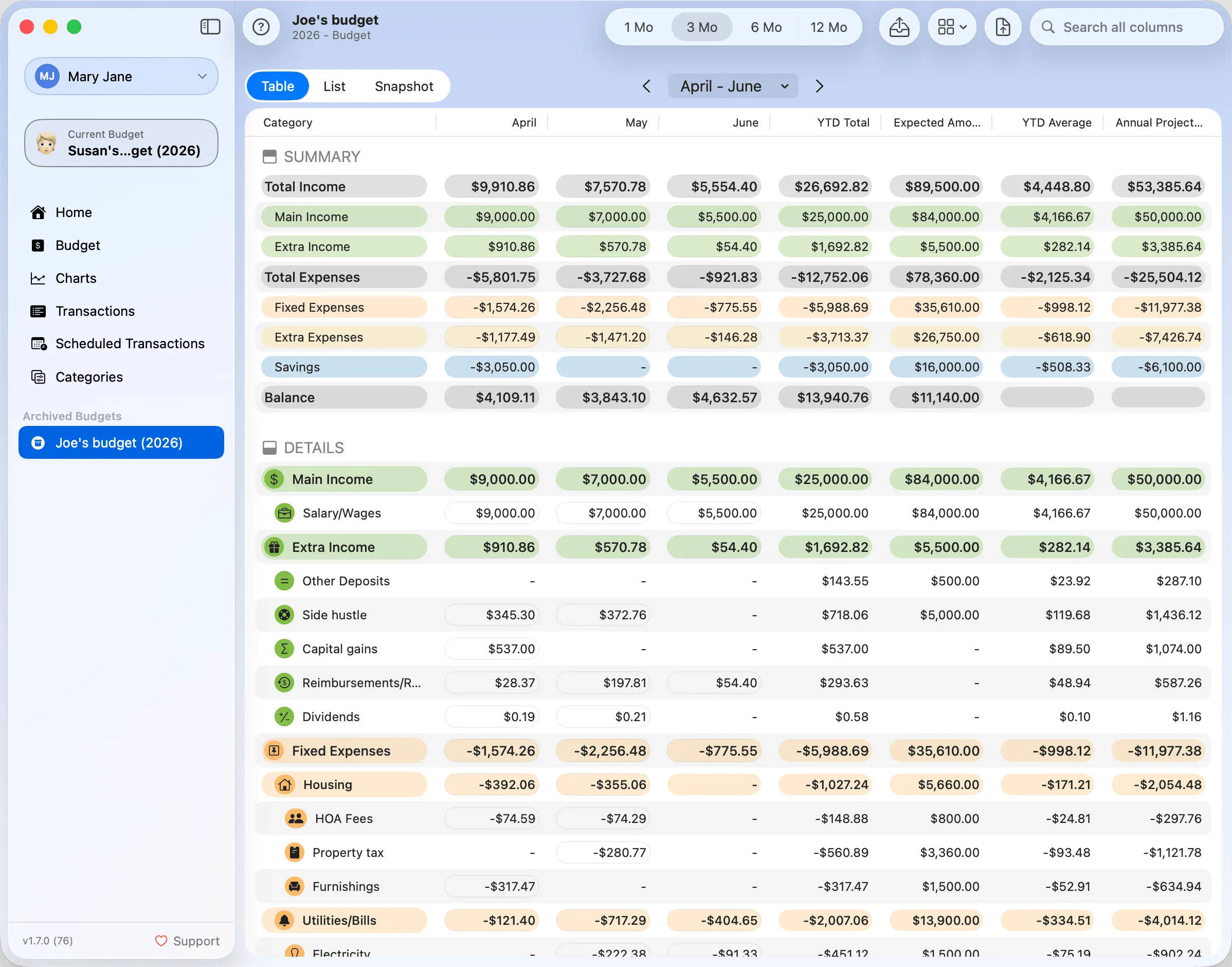
- You can still view it from the sidebar — archived budgets appear in their own section below the active ones.
- The Budget section shows a read-only view: the table/list/snapshot views are visible, but features such as recalculation are hidden. The Recalculate toolbar button is replaced by an Unarchive button.
Archiving a Budget
To archive a budget, open the Manage Budgets window, select the budget you want to archive, and click Archive Budget.... A confirmation message will appear before the change is applied.
You can archive one of the two sample budgets, but at least one budget must remain active at all times.
Unarchiving a Budget
To bring an archived budget back, select it from the sidebar and click the Unarchive button in the toolbar. This restores the budget to the active list and re-enables all features (charts, recalculation, editing, and more).
You can archive and unarchive a budget as many times as you like. There is no data loss in either direction.
Use archiving for older years you want to keep for reference but no longer actively work with. For budgets you're sure you'll never need again, deleting from Manage Budgets is the right choice — but it's permanent.